

OPEN-TOP AUDIO HAT
Solar Open-Ear Audio Visor
Your guide to open-ear listening, Bluetooth pairing and solar-assisted charging.
Setup & troubleshootingLINKSOLAR SUPPORT
Setup guidance, product manuals and a direct line to LINKSOLAR. Find what you need and get back outside.
START WITH YOUR PRODUCT
Choose your gear for model-specific setup, care and practical troubleshooting. Downloadable manuals appear where files are available.
Your guide to open-ear listening, Bluetooth pairing and solar-assisted charging.
Setup & troubleshooting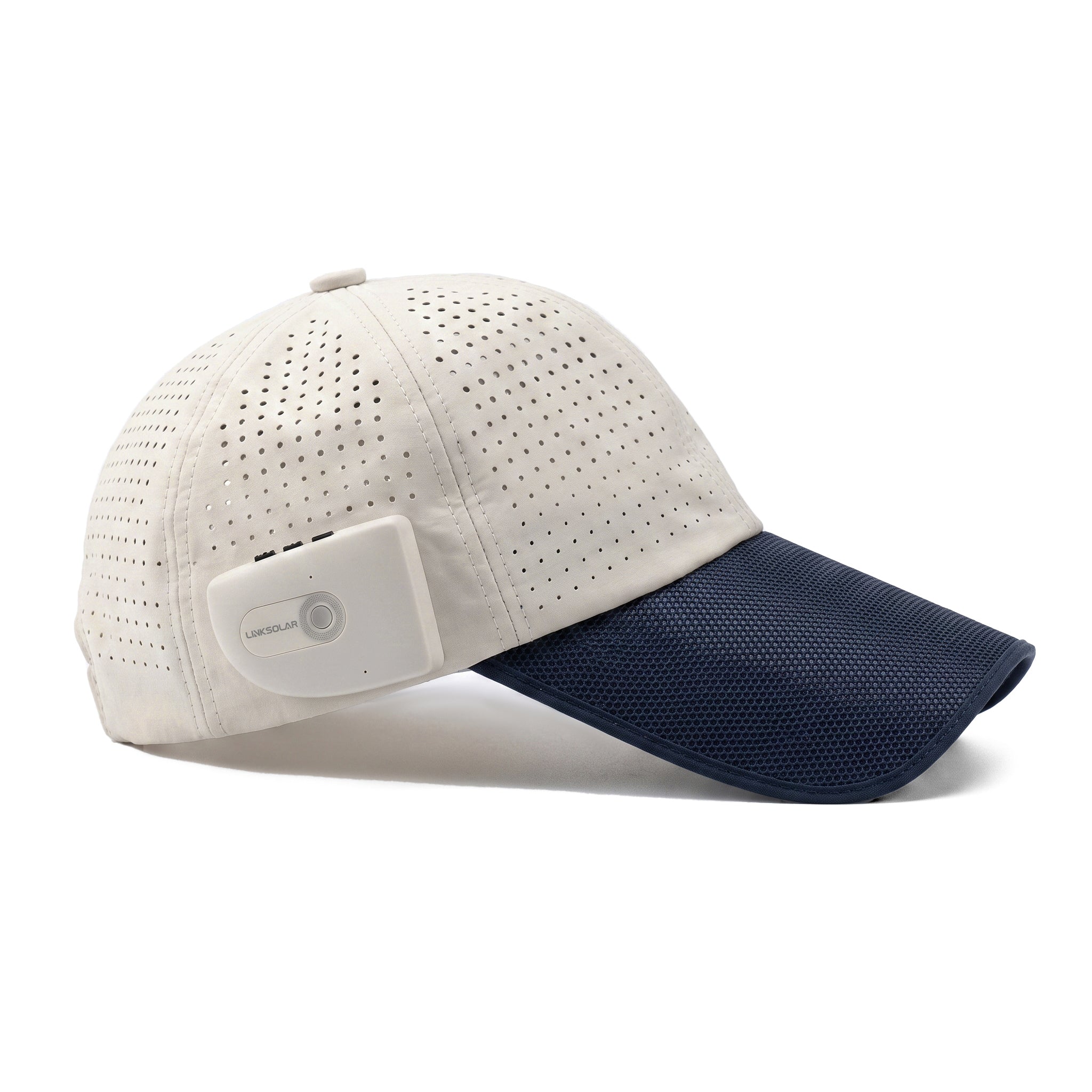
Setup, controls, charging and care for your full-top solar audio cap.
Setup & troubleshooting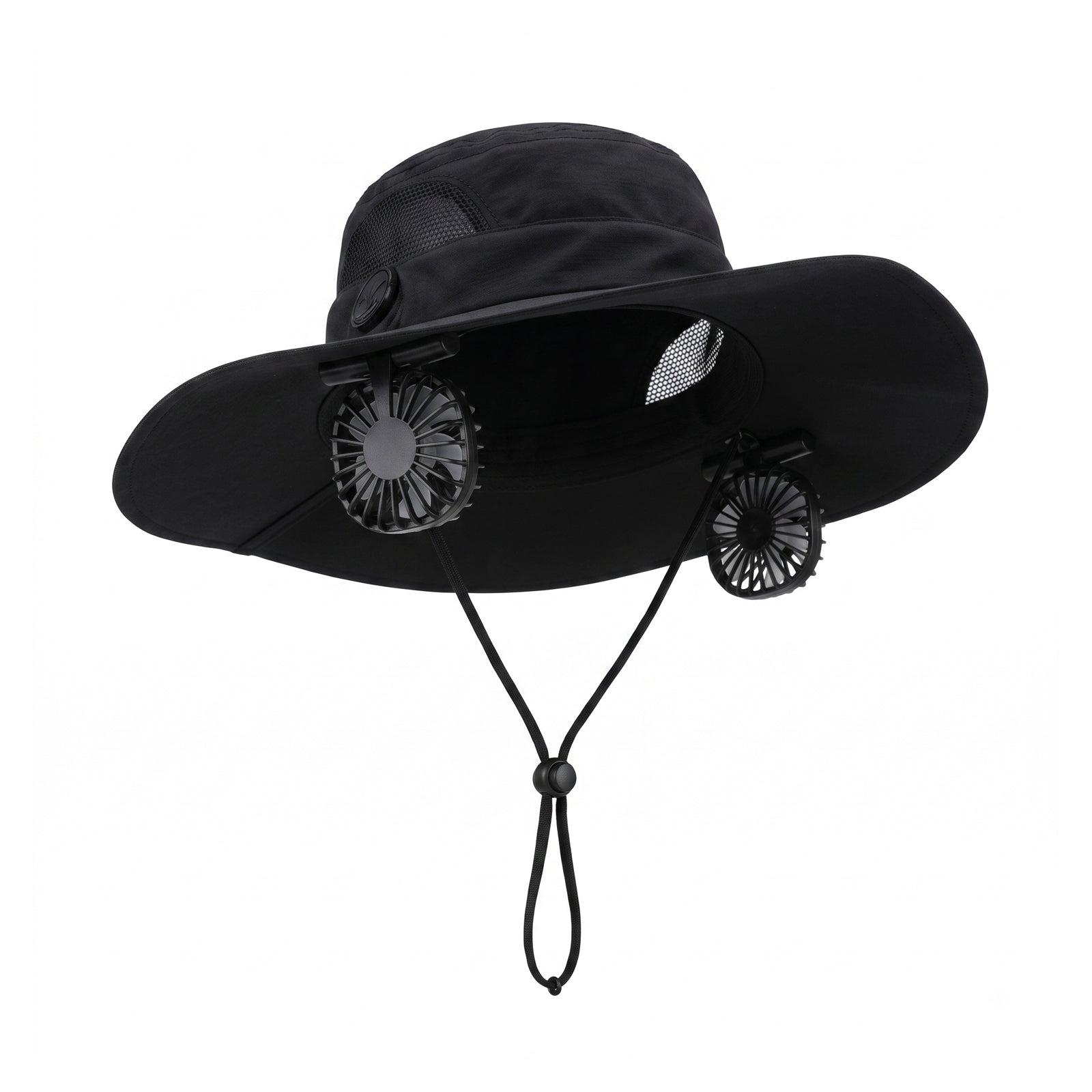
Set the fit and fan speeds, understand the indicator lights, and troubleshoot solar or USB-C output on the F2 model.
Setup & troubleshooting
Learn the charging connections, storage features and care instructions for the 13W model.
Setup & troubleshooting
Unfold the second panel, identify your connections and care for the 30W model.
Setup & troubleshooting
Review inflation, solar-roof fitting, charging connections, pack-down steps and the limits of the 120W system.
Setup & troubleshooting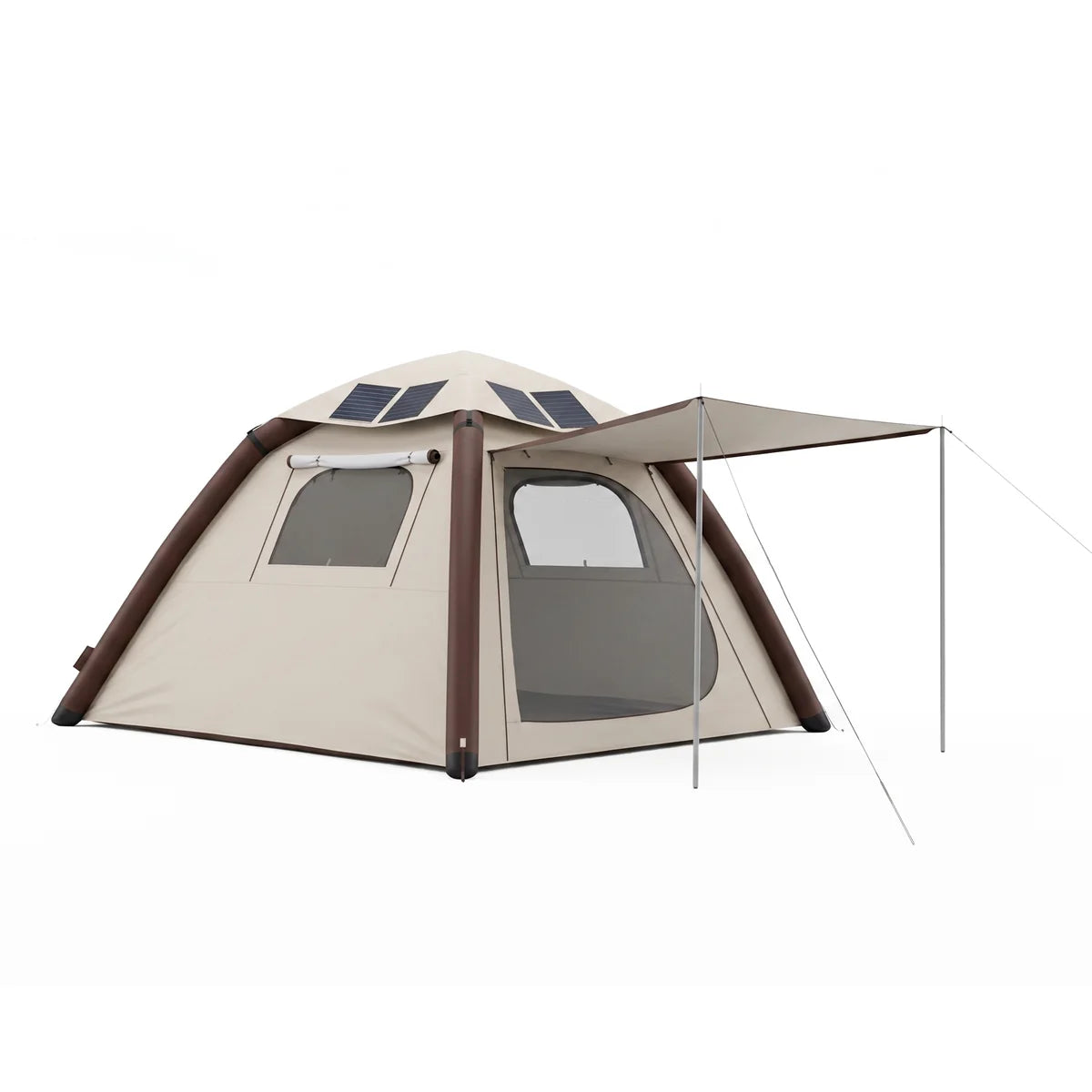
Watch setup videos for inflation, the 52W solar roof and packing away, then follow product-specific troubleshooting.
Setup & troubleshooting
Charging, light modes, hanging and tabletop setup, care and troubleshooting for the DS-8484 model.
Setup & troubleshooting
Wall mounting, light colors, solar charging and checks for a light that stays off or turns off early.
Setup & troubleshootingPRACTICAL ANSWERS
Use the manual for your exact model. The Audio Visor pairs as LONNV P100; the Audio Cap manual lists LINKSOLAR-SC. From power off, hold the power button for about 3 seconds, then select the correct name in your phone's Bluetooth settings. Disconnect an existing Bluetooth device before pairing a new one.
Light, shade, panel angle and movement affect solar output. Keep the panel uncovered and facing direct sunlight. For an audio hat, USB-C charging is an alternative when sunlight is unsuitable. For a backpack, keep your phone and power bank out of direct sun while the panel collects light.
The 13W and 30W backpacks do not have built-in energy storage or an included power bank. Use a compatible power bank to collect energy for later use. Charging a laptop requires a separately supplied power bank with suitable output; the solar system does not charge a laptop directly.
Do not wash these products with water or immerse them. Their manuals advise wiping moisture off with a dry cloth and allowing the product to dry at room temperature. Protect electronics and charging connections from water, and do not excessively bend solar panels.
The tent's pump battery is for inflation. Do not treat it as a general-purpose solar storage battery. Night-time device use requires a separately planned, compatible power source. See your manual for the tent's setup and wiring.
Start with your exact product help page. Downloadable PDFs are listed in Manuals & Downloads for models whose files are available. English PDF manuals are available for all seven current products, including the Solar Fan Hat F2 and Luma house number lights. If you cannot identify your model, use the contact form below.
Use Luma product help for installation, sliding-switch settings and charging checks. For choosing a sunny position, read the Solar Lab guide.
YOUR PURCHASE
For an existing order, check your order confirmation and any shipping email for its status and tracking link. Can't find the information you need?
LET'S WORK THROUGH IT
Need to request a return or report a product issue? Contact LINKSOLAR with your product model, purchase details and a description of what happened.
Warranty periods start on the date you receive your product: Audio Visor, Audio Cap and Luma: 2 years; 13W Backpack, 30W Backpack, 52W Tent, 120W Tent and F2 Fan Hat: 1 year. Contact us for help with coverage and service. A support request is not an approval of a return or warranty claim.
Start a support requestREAL PEOPLE. PRACTICAL HELP.
Tell us which product you have and what you need help with. No account or newsletter subscription is required.
Please do not include passwords, payment card details or identity documents. If photos or a short video are needed, we can request them by email.
For unusual heat, swelling or visible electrical damage, stop using and charging the product and contact support. Do not open the electronics.
GO A LITTLE DEEPER
Explore solar charging basics, product comparisons and practical outdoor power planning.
Explore Solar Lab ↗